Pre-release · v1.1.0

你的 AI 已经认识
睿尔曼机器人
Your AI Already Knows
RealMan Robotics

睿尔曼机械臂 MCP Server — 7 个工具、249 条 TCP 指令、TF-IDF 语义搜索、内置安全护栏 RealMan robot arm MCP Server — 7 tools, 249 TCP commands, TF-IDF semantic search, built-in safety guardrails

$ npx @realman_robot/mcp-server 已复制 Copied
需要 Node.js ≥ 18 · 数据全离线 · 无需联网 Requires Node.js ≥ 18 · All data bundled · No network needed
Cursor Claude Code Codex Claude Desktop Windsurf
7
MCP 工具MCP Tools
249
TCP 指令TCP Commands
598
API 方法API Methods
85
错误码Error Codes
191+
测试通过Tests Passed

7 个工具 7 Tools

每个工具遵循统一回答契约:结论 → 代码 → 验证方法 → 如果不行 → 置信度 Each tool follows a unified answer contract: conclusion → code → verification → fallback → confidence

快速上手Getting Started
get_started
首次连接指南。默认 IP/端口、Python 代码、线缆检查、上电顺序、急停位置。 First-time connection guide. Default IP/port, Python code, cable checks, power-on sequence, emergency stop location.
搜索Search
find_capability
TF-IDF 语义搜索 598 个 API 方法。Getter/Setter 意图识别、模糊纠错、安全重排。 TF-IDF semantic search across 598 API methods. Getter/setter intent detection, fuzzy typo tolerance, safety reranking.
代码Code
get_runnable_example
可直接运行的 Python 示例,附安全警告。编译验证通过,机型自适应。 Copy-paste Python examples with safety warnings. Verified to compile. Model-aware code adaptation.
诊断Diagnosis
diagnose_issue
错误码查询,含严重等级、根因、恢复代码。关节错误会警告「禁止移动机械臂」。 Error code lookup with severity, root cause, recovery code. Joint errors warn "do not move the arm".
参数Specs
get_robot_spec
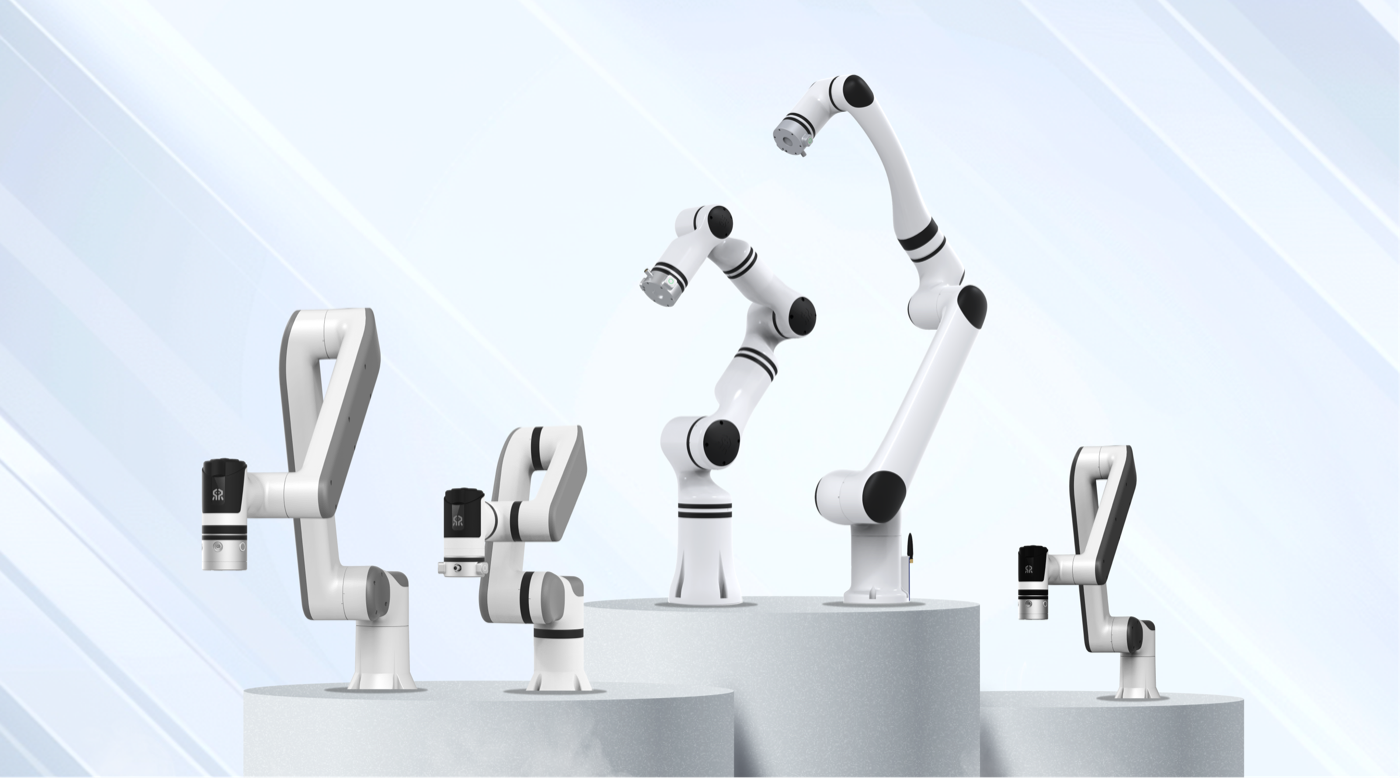
RM65/RM75/RML63/ECO62/ECO63/ECO65/GEN72 产品参数,可按负载、臂展、自由度筛选。 Specs for RM65, RM75, RML63, ECO62, ECO63, ECO65, GEN72. Filterable by payload, reach, DOF.
安全Safety
deployment_guardrails
上线前检查清单。碰撞恢复、急停硬件、Modbus/ROS 集成指南。 Pre-deployment checklists. Collision recovery, emergency stop hardware, Modbus/ROS integration guides.
New v1.1
control_robot
TCP 直连控制 — 249 条 JSON 指令。movej/movel/movec、状态读取、夹爪、力传感器。危险操作自动拦截。 Direct TCP control — 249 JSON commands. movej/movel/movec, read state, gripper, force sensor. Dangerous operations auto-blocked.

真实开发流程 Real Development Workflow

在 Cursor / Claude Code 中,AI 自动调用 MCP 帮你从零写出完整工程代码 In Cursor / Claude Code, AI automatically calls MCP to write complete project code from scratch

你说You say "帮我写一个力控抓取程序,RM75B,IP 是 192.168.2.30" "Write a force-controlled grasping program for RM75B at 192.168.2.30"
AI
→ find_capability("力控""force control") → find_capability("夹爪""gripper") → get_runnable_example("力控抓取""force grasp")
AI 综合 3 个 Tool 的返回,生成完整 force_grasp.py,函数签名、参数类型、安全提示全部正确 AI combines 3 tool responses to generate complete force_grasp.py with correct signatures, types, and safety notes
你说You say "跑了一下报错 0x1002" "I ran it and got error 0x1002"
AI
→ diagnose_issue("0x1002")
AI 告诉你「目标角度超限」,自动修改代码中的 joint 值,重新生成安全版本 AI tells you "target angle exceeds limit", auto-fixes the joint values in your code, regenerates safe version
你说You say "改好了,帮我发给机械臂试试" "Fixed. Send it to the robot to test"
AI
→ control_robot(movej, v=10) NEW
TCP 直连机械臂,指令执行成功。全程不离开 IDE。 TCP direct to robot arm, command executed. Never leave your IDE.

更多示例 More Examples

配置 MCP 后,在 AI 助手中直接对话即可 After setup, just talk to your AI assistant naturally

💬 开发者问Developer asks
"我刚买了 RM75B,怎么连接?" "I just got an RM75B, how do I connect?"
↓ get_started
返回默认 IP 192.168.1.18:8080、3 行 Python 连接代码、线缆检查清单、上电顺序、急停位置 Returns default IP 192.168.1.18:8080, 3-line Python connection code, cable checklist, power-on sequence, e-stop location
💬 开发者问Developer asks
"力控抓取用哪个函数?" "Which function for force-controlled grasping?"
↓ find_capability
返回 rm_set_force_position 完整签名、参数表、Python 示例代码,附安全提示 Returns rm_set_force_position full signature, param table, Python example, with safety notes
💬 开发者问Developer asks
"机械臂报错 0x1002" "Robot shows error 0x1002"
↓ diagnose_issue
返回「目标角度超过限位」+ 原因 + 恢复代码 rm_clear_system_err() + ★★★★★ 置信度 Returns "target angle exceeds limit" + cause + recovery code rm_clear_system_err() + ★★★★★ confidence
💬 开发者问Developer asks
"让机械臂 movej 到 [0, 20, 70, 0, 90, 0, 0]" "Move the arm to [0, 20, 70, 0, 90, 0, 0]"
↓ control_robot NEW
直接通过 TCP 发送 movej 指令,机械臂开始运动。返回 receive_state: true Sends movej via TCP directly. Robot starts moving. Returns receive_state: true
💬 开发者问Developer asks
"碰撞了怎么恢复?" "How to recover after collision?"
↓ deployment_guardrails
返回安全流程:缓停 → 清错 → 手动移至安全位置 → 重新规划。警告:禁止直接 continue Returns safe procedure: slow stop → clear error → manually move to safe position → re-plan. Warning: never continue directly
💬 开发者问Developer asks
"RM65 和 ECO65 负载差多少?" "RM65 vs ECO65 payload difference?"
↓ get_robot_spec ×2
分别返回两个机型的完整参数表:自由度、负载、工作半径、重复定位精度,可直接对比 Returns full spec tables for both models: DOF, payload, reach, repeatability — ready to compare

一行配置 One-Line Setup

添加到 IDE 配置,立即获得机器人开发知识 Add to your IDE config, start coding with robot knowledge

Cursor
{
"mcpServers": {
"realman": {
"command": "npx",
"args": ["-y", "@realman_robot/mcp-server"]
}
}
}
Claude Code
{
"mcpServers": {
"realman": {
"command": "npx",
"args": ["-y", "@realman_robot/mcp-server"]
}
}
}
OpenAI Codex
[mcp_servers.realman]
command = "npx"
args = ["-y", "@realman_robot/mcp-server"]

⚠ 预发布说明 ⚠ Pre-release Notice

这是预发布版本control_robot 工具会向机械臂发送真实 TCP 指令。 已通过 6 轮对抗性测试 + 真机仿真验证(69/69 全品类通过),但尚未在生产环境中验证。

建议:首次集成请使用仿真模式。问题反馈:GitHub Issues
This is a pre-release version. The control_robot tool sends real TCP commands to robot arms. It has passed 6 rounds of adversarial testing + real robot simulation verification (69/69 full-category tests), but has not yet been validated in production environments.

Recommended: Use simulation mode for initial integration. Report issues at GitHub Issues